
Digital Organization: Tips for Controlling Clutter on Electronic Devices
Understanding Digital Clutter
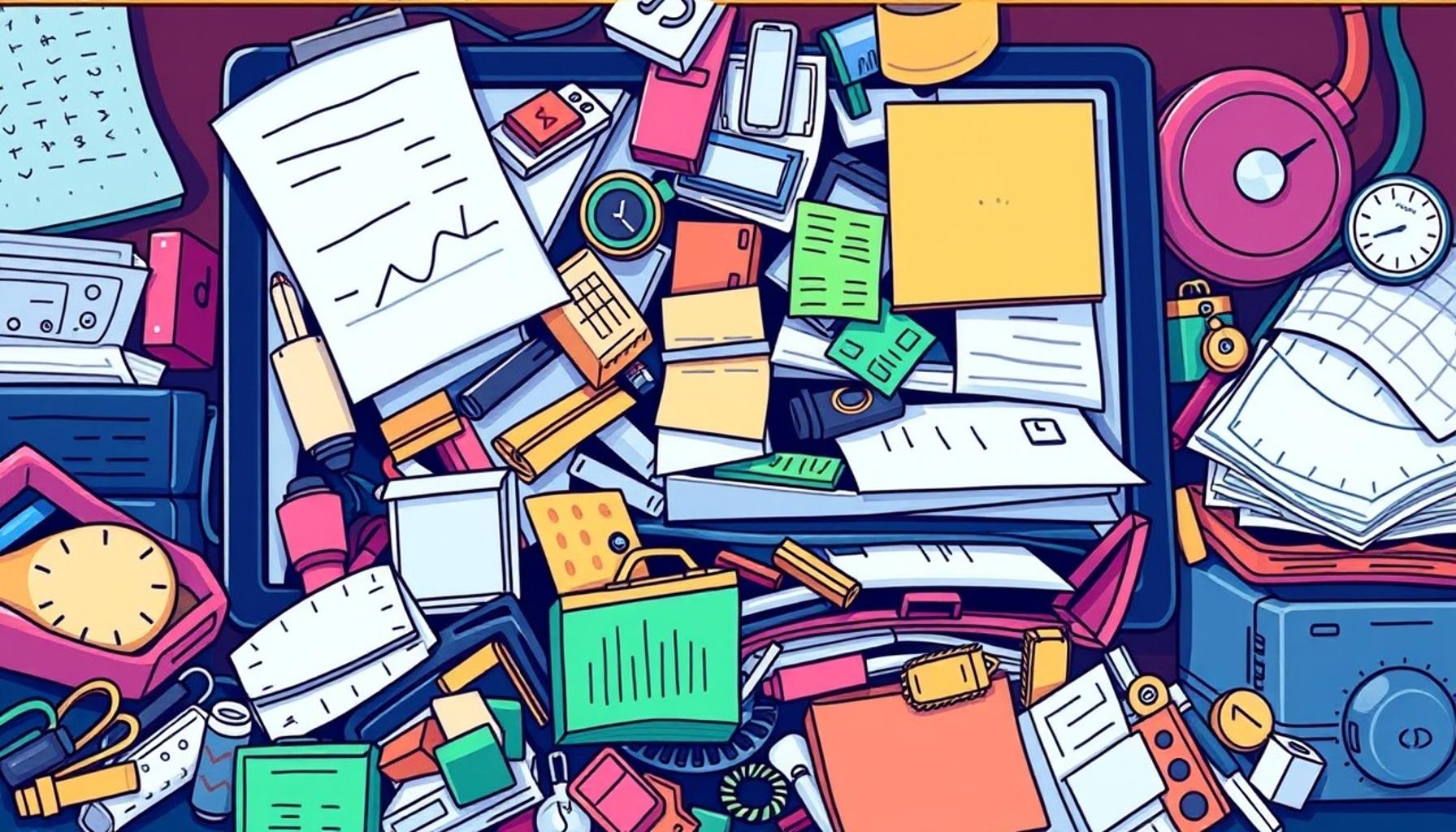
In our increasingly digital-focused lives, the challenge of managing our electronic devices has become a prevalent issue for many. As we juggle multiple accounts, subscriptions, and a seemingly endless stream of notifications, it’s no wonder that our screens often resemble a chaotic workspace. This digital clutter can not only be distracting but can also hinder productivity and lead to stress as important information gets lost within the clutter.
To truly grasp the depths of digital clutter, it’s crucial to identify the common sources that contribute to this overwhelming reality. Here are a few:
- Overloaded inboxes: The average office worker receives around 121 emails each day. With such a staggering number, it’s easy to see how unread messages can accumulate, leading to a daunting perception where vital communications risk being overlooked.
- Unused apps: Many users download dozens of applications, but studies indicate that approximately 80% of downloaded apps are used only once. These unused icons clutter our screens, taking up valuable space and often becoming a source of distraction.
- Disorganized files: Various surveys highlight that around 60% of professionals struggle with disorganized digital files. Documents strewn across unstructured folders make it increasingly challenging to locate essential materials swiftly.
Strategies to Combat Digital Clutter
Fortunately, there are several practical strategies that individuals can employ to mitigate this digital chaos and regain control. By implementing these methods, one can significantly enhance personal efficiency and create a more organized electronic environment. Consider the following:
- Regularly decluttering: Set aside dedicated time each week or month to review your digital files and emails. By doing so, you can delete irrelevant messages, unsubscribe from unnecessary newsletters, and remove outdated apps that serve no purpose.
- Utilizing organizational apps: Tools like Trello and Notion are designed to streamline workflow and enhance productivity. By categorizing tasks and documents, these apps can help bring clarity to your digital space, turning chaos into order.
- Setting specific categories: Create distinct folders for different types of files and emails. For instance, you might organize your documents into categories such as “Work,” “Personal,” and “Finance.” This clear delineation allows for quick access and reduces the feeling of being overwhelmed.
By adopting these tips for controlling clutter, you’ll not only find improvements in focus and productivity but also cultivate a sense of tranquility within your digital landscape. As you begin to explore these methods, you may uncover additional techniques tailored to your personal workflow, helping you navigate the digital realm with confidence and ease.
Identifying the Roots of Digital Overload
To effectively tackle digital clutter, it’s essential to first understand the various factors that contribute to this pervasive issue. These factors often go unnoticed, yet they quietly accumulate over time, transforming our once-organized devices into overwhelming digital landscapes.

One prevalent source of clutter lies in notification overload. With smartphones and apps designed to keep us constantly informed, notifications have become a double-edged sword. The average person receives around 63 notifications per day, which can lead to incessant interruptions and fragmented focus. As these alerts pile up, they create a sense of urgency, making it harder to distinguish between what’s genuinely important and what’s simply noise.
Another significant culprit is the subscription trap. From email newsletters to streaming services, subscriptions can easily go unchecked. According to recent studies, the average American holds over 10 active subscriptions, many of which may no longer serve an immediate purpose. Unattended subscriptions can collect in your inbox, creating what feels like an endless cycle of promotional emails that demand attention yet rarely provide value.
Additionally, the challenge of cross-platform management cannot be overlooked. As we embrace a variety of devices—smartphones, tablets, laptops, and desktops—keeping files and applications synchronized can become a complex task. Misaligned files across platforms often lead to confusion and disarray, as users struggle to find the latest version of an important document scattered among different devices and services.
Establishing a Routine for Digital Maintenance
To combat these persistent issues, establishing a regular routine for digital maintenance is crucial. Here are some practical steps to ensure a more organized virtual space:
- Schedule a digital detox: Dedicate a day each month to review and clean up your digital space. This includes deleting old emails, unsubscribing from unnecessary services, and updating your apps. Regularly dedicating time to this task reduces the amount of clutter that accumulates over time.
- Create a notification strategy: Take charge of your notifications by customizing settings. Limit notifications to only the most important applications and during specific hours, allowing you to focus on critical tasks without distraction.
- Back up with intention: Rather than storing every file on every device, create a cloud backup strategy that involves saving only what you need. Utilize services like Google Drive or Dropbox to streamline access while preventing duplicate files from invading your storage.
By integrating these strategies into your routine, you can effectively minimize digital clutter and regain control of your electronic devices. Not only does this enhance productivity, but it also fosters a more peaceful and focused digital environment.
Understanding the Digital Clutter Phenomenon
In a world increasingly reliant on technology, digital clutter has become a pervasive issue, affecting productivity and mental clarity. The term refers to the overwhelming accumulation of files, apps, emails, and notifications that can hinder our ability to work efficiently and focus on priorities. The need for effective digital organization is evident, as too much clutter can detract from both personal and professional life.
One of the most significant contributors to digital clutter is the ease of accumulating files and information online. As we download content, install applications, and receive countless emails, the virtual spaces we utilize can quickly fill up, often leading to disorganization. To combat this, establishing a systematic approach to managing digital assets is crucial. Regularly decluttering your online storage, including cloud services and local drives, can greatly enhance efficiency and reduce the feeling of being overwhelmed.
Effective Strategies for Digital Organization
Implementing effective organizational strategies can transform your digital experience. One powerful technique is to categorize files and applications into clearly defined folders. This not only helps in locating files more quickly but also relieves the cognitive load of scanning through a chaotic interface. For example, designating distinct folders for work, personal documents, and multimedia can streamline access and ensure that important files are never lost amidst the clutter.
Another vital tip for controlling electronic clutter is managing notifications. Today, devices bombard us with alerts, which can be distracting and lead to a fragmented attention span. By customizing notification settings and limiting alerts to only essential updates, users can protect their focus and maintain productivity throughout the day.
The Importance of Regular Maintenance
Maintaining digital organization doesn’t end with an initial decluttering session. It requires consistent effort and routine checks to evaluate what files are necessary and which can be discarded. Create a schedule for digital housekeeping—be it monthly or quarterly—to revisit and reorganize your digital assets. By establishing such practices, individuals can ensure that their devices remain functional and organized, contributing to a more productive digital lifestyle.
Implementing Tools for Better Management
Utilizing software and applications designed for digital organization can significantly aid in managing clutter effectively. Numerous tools can help automate processes such as file sorting, backup management, and even email archiving. These tools, combined with strong habits of regular maintenance, can pave the way for a clutter-free digital existence.
| Organization Tips | Benefits |
|---|---|
| Regular decluttering of files | Enhances productivity and clears space. |
| Customizing app notifications | Minimizes distractions for improved focus. |
| Using digital organization tools | Streamlines management and improves efficiency. |
By adopting these strategies, you can significantly decrease digital clutter and create an organized, efficient digital environment. This leads to clearer thought processes and ultimately enhances both productivity and overall well-being.
Leveraging Tools and Techniques for a Streamlined Digital Experience
In addition to establishing a routine, making use of digital tools and techniques can significantly enhance your ability to control clutter on electronic devices. With a plethora of applications and productivity strategies available, finding what works best for you can transform your digital landscape into a well-organized space where efficiency reigns.
One vital tool in your digital organization arsenal is a task management application. Popular platforms like Todoist or Trello help categorize tasks and set deadlines, making it easier to prioritize what truly matters. Consider adopting the SMART criteria for task management—setting goals that are Specific, Measurable, Achievable, Relevant, and Time-bound. This approach not only clarifies your objectives but also minimizes unnecessary to-dos that contribute to digital clutter.
Another effective method is implementing a file naming convention across your devices. When files and documents are named consistently, it becomes much easier to locate them later. For instance, adopting a format that includes the date, project name, and a brief description (e.g., “2023-10-01_ProjectX_Notes”) allows for instant recognition. Utilizing folders with clear, logical hierarchies based on themes or projects complements this strategy, making navigation intuitive.
In addition, embracing digital bookmarks can streamline your online experience. Instead of endlessly scrolling through your web browser’s history or searching for that perfect article, categorize bookmarks into labeled folders, separating them by topics like “Research,” “Recipes,” or “Travel.” Plugins like Raindrop.io offer sophisticated options for saving, tagging, and organizing bookmarks, ensuring insights are easily retrievable when needed.
Furthermore, consider harnessing the power of cloud integration. Services like IFTTT (If This Then That) allow you to automate mundane tasks across different platforms. For instance, if you receive an email with an attachment, IFTTT can automatically save it to your Google Drive. These automations eliminate manual file handling, reducing clutter and simplifying the workflow.
Developing Mindful Consumption Habits
Beyond employing various digital tools, fostering mindful consumption habits plays a critical role in maintaining a clean electronic environment. One of the first steps is to practice digital minimalism. This philosophy encourages users to evaluate their digital subscriptions, apps, and online habits critically, retaining only those that add real value to their lives.
- Declutter your apps: Regularly review your mobile and desktop applications. Uninstall those that you haven’t used within the last three months and keep only the essentials for daily use.
- Limit screen time: Set screen time limits for social media apps to avoid unnecessary distractions that can lead to increased digital clutter and a decrease in productivity.
- Curate your feeds: Take control of your social media experience by unfollowing accounts that don’t contribute to your goals or enrich your knowledge. This curated feed promotes a more positive digital atmosphere, allowing for focus on meaningful content.
By combining these offerings—task management applications, effective naming conventions, automated tools, and mindful consumption—you can create a robust system to combat digital clutter, ultimately guiding yourself toward a more organized and intentional digital life.
Conclusion: Embracing a Clutter-Free Digital Future
In our increasingly digital world, maintaining organization on electronic devices is not just a beneficial practice; it is essential for enhancing productivity and reducing stress. Implementing effective strategies such as task management applications, consistent file naming conventions, and mindful consumption habits can pave the way for a more streamlined digital experience. By taking the time to categorize your tasks, automate mundane processes using tools like IFTTT, and regularly review your apps and subscriptions, you create a personalized system that works for you.
Moreover, the principles of demanding less from your digital life through practices like digital minimalism allow you to cut down on distractions that contribute to clutter. This not only clears your virtual workspace but also safeguards your mental clarity. As you critically evaluate your digital consumption, you are empowered to focus on what truly matters, whether it be professional tasks or personal growth.
Moving forward, consider the ongoing commitment to maintaining this order in your digital life. Just as with physical spaces, your electronic environment requires periodic assessment and decluttering. The benefits of a well-organized digital landscape extend beyond mere aesthetics; they foster an atmosphere where creativity can flourish and productivity can thrive. Embrace these tips, and you will not only control the clutter but champions an organized lifestyle that aligns with your values and aspirations.
Related posts:
Clutter Control for Families: Strategies to Teach Children to Organize and Let Go
The Psychology of Clutter: How Mess Affects Our Mental Health and Well-Being
The Art of Letting Go: Practical Strategies to Control the Clutter at Home
Practical Strategies for Reducing Clutter at Home: A Guide to Minimalism
The Importance of Clutter Control in Productivity: Creating an Efficient Work Environment
Minimalism and Sustainability: How Reducing Clutter Contributes to an Eco-Friendly Lifestyle

Linda Carter is a writer and organization expert specializing in minimalism and personal organization. With extensive experience helping individuals create clutter-free, functional spaces and adopt mindful habits, Linda shares her knowledge on our platform. Her goal is to empower readers with practical advice and strategies to simplify their lives, stay organized, and achieve a sense of calm and balance in their daily routines.